Block
Use Block when you want a bordered container with optional titles and padding.
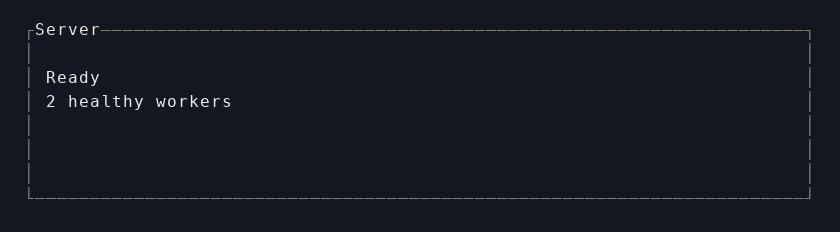
Smallest example
let panel = Block::bordered()
    .title("Server")
    .padding(Padding::all(1))
    .child(Paragraph::new("Ready").build())
    .build();
Reach for Block when
- you need a visible frame
- you want top or bottom titles
- a child area needs inner padding
Key builder methods
Block::new()Block::bordered().title(...),.title_top(...),.title_bottom(...).borders(...),.border_type(...),.border_set(...).padding(...).child(...),.children(...).inner(rect)when you need the child rect directly
Common combinations
Block + Paragraphfor textual panelsBlock + Tablefor framed data viewsBlock + ScrollViewfor transcript areas
Last updated on