Input
Input is the standard editable text field.
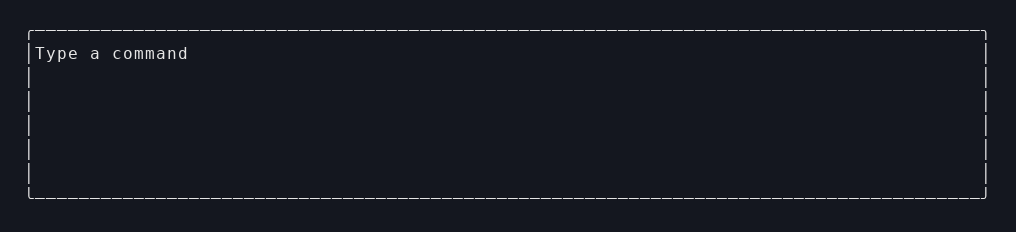
Smallest example
let field = Input::new()
    .value(self.draft.clone())
    .placeholder("Type a command")
    .on_change(Message::DraftChanged)
    .on_submit(|value| Some(Message::Submit(value)))
    .layout(Layout { width: Length::Fill, height: Length::Fixed(3) })
    .build();
Use Input when
- the user types text directly into the app
- you need
on_changeandon_submit - cursor continuity matters across rerenders
Key builder methods
Input::new().value(...).placeholder(...).on_change(...).on_submit(...).style(...)
How it looks in view!
view! {
  <Input
    value={self.draft.clone()}
    placeholder={"Type a command".to_string()}
    on_change={Message::DraftChanged}
    on_submit={|value| Some(Message::Submit(value))}
  />
}
State boundary
Input usually works best when:
- the in-progress draft lives in local or app state
- submit turns that draft into a message
- the runtime preserves cursor continuity across rerenders
Where to see it in examples
- Quick Start: the smallest input-and-submit path
- Your First App: a fuller draft -> message boundary
Last updated on